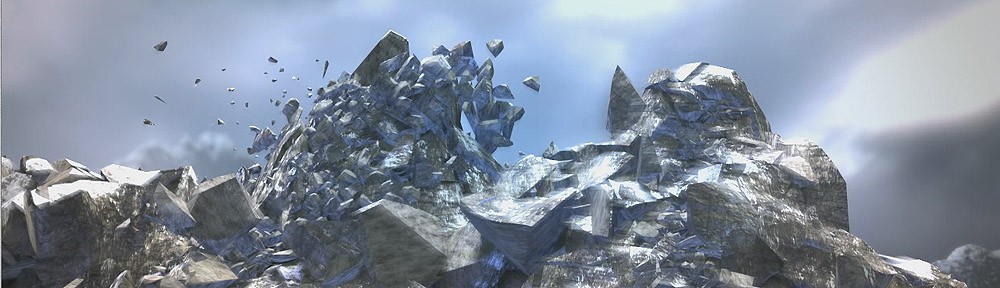
Pdi creates a default cut material in inner faces, this is very useful to apply displacement or bump to these faces only, you have to replace this material for the one you prefer and then for mapping it in all cut faces at once just do the following:
- In Maya open HyperShade and right mouse click on the PDI Cut Material icon, then “select objects with material” in the box dialog, Create UVs->automatic mapping ussually get good results, but you can try any mapping method you like.
- In 3dMax, after shattering select all fragments and apply “edit mesh” or “edit poly” modifier to them, then select the cut faces by ID and apply whatever uvw mapping you like, ussually box mapping is nice.
just as easy 
 KineticThoughts