Unknown's avatar

About thinkinetic

Interested in computer graphics and visual FX.

Rewind: Bach in the days teaser by TENAS

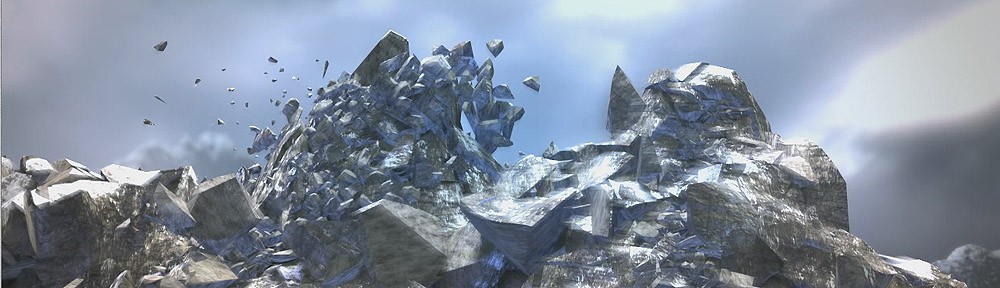
Clememt explains how he broke a Cg piano using Pulldownit for his “Bach in the days” teaser

The Rewind teaser was done with MAYA, pulldownit plugin and After effects.

So first i shattered my piano in 500 pieces and i make it explode with a cylinder which collide the piano from the back to the front….the render was done with Mental ray and the scene was shooted at 300 fps.

The footage of Rewind was static so there was no tracking to did. So i started the compositing in after effects (i choosed to render with multi pass for more flexibility) with color correction, DOF… and the first impression was : the footage of rewind seems stick above the background, he wasn’t integrated well. I decided to render some particles in alpha…without background and integrate the pass above rewind.

I was really happy to work with Pulldownit because all is done quick…when you shatter an object it’s done in few seconds, also for the animation, when you bake it, you can rewind, forward in real time. The physics properties are great, in my case the particles collide themself and they give a realistic sensation…. It was a real support on this project and to be honest if i hadn’t found it, it would influenced the artistic direction…

TENAS Website
http://www.tenas-graphism.fr/

Learn using PDI in the Training DVD by Evermotion

evermotionSecretDVD

Evermotion has included a bonus chapter about using Pulldownit in the Secret FX Training DVD, over 6 hours of narrated videos to learn the fundamentals of fx production from simulations to rendering and final composing.

http://www.evermotion.org/modelshop/show_product/the-secret-fx-training-dvd/6360/0/0/

Pulldownit tutorials are in bonus section :

-“How to work with Pulldownit plugin”
-“Using Pulldownit along with other tools in one simulation”

Open MAC confererence by Ian Zeigler

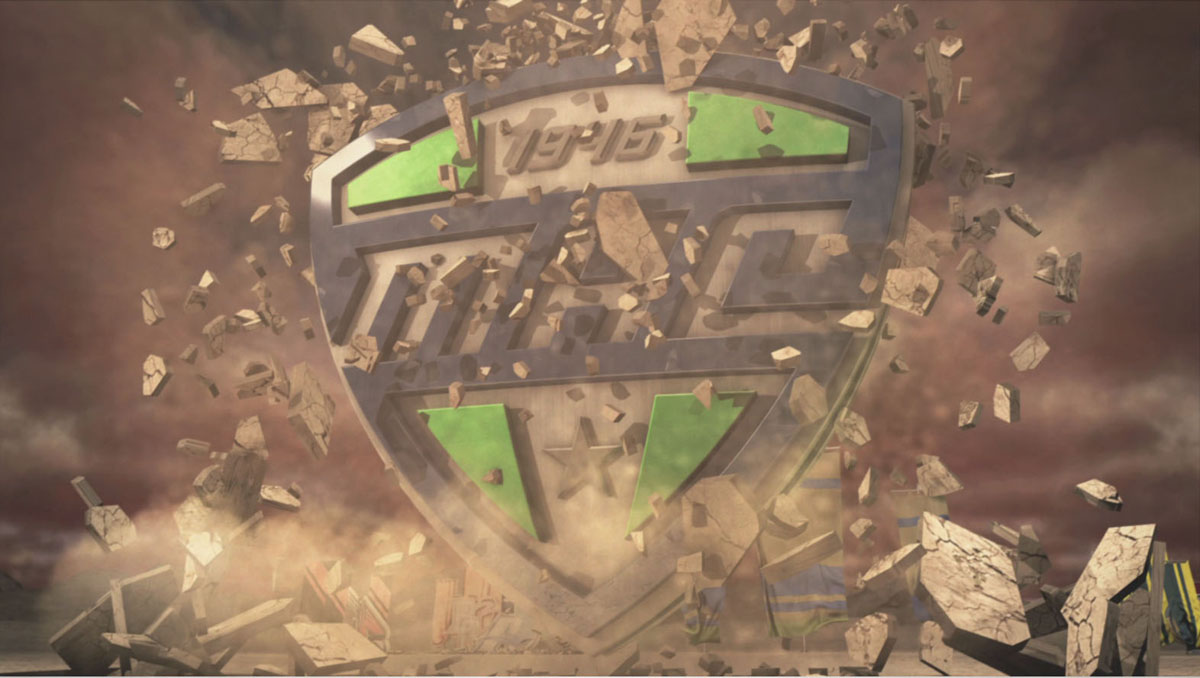
Brief interview with IanZeigler about the making of his stunning Open MAC shots using Pulldownit Macos version.

How did you arrive to the idea of these shots?

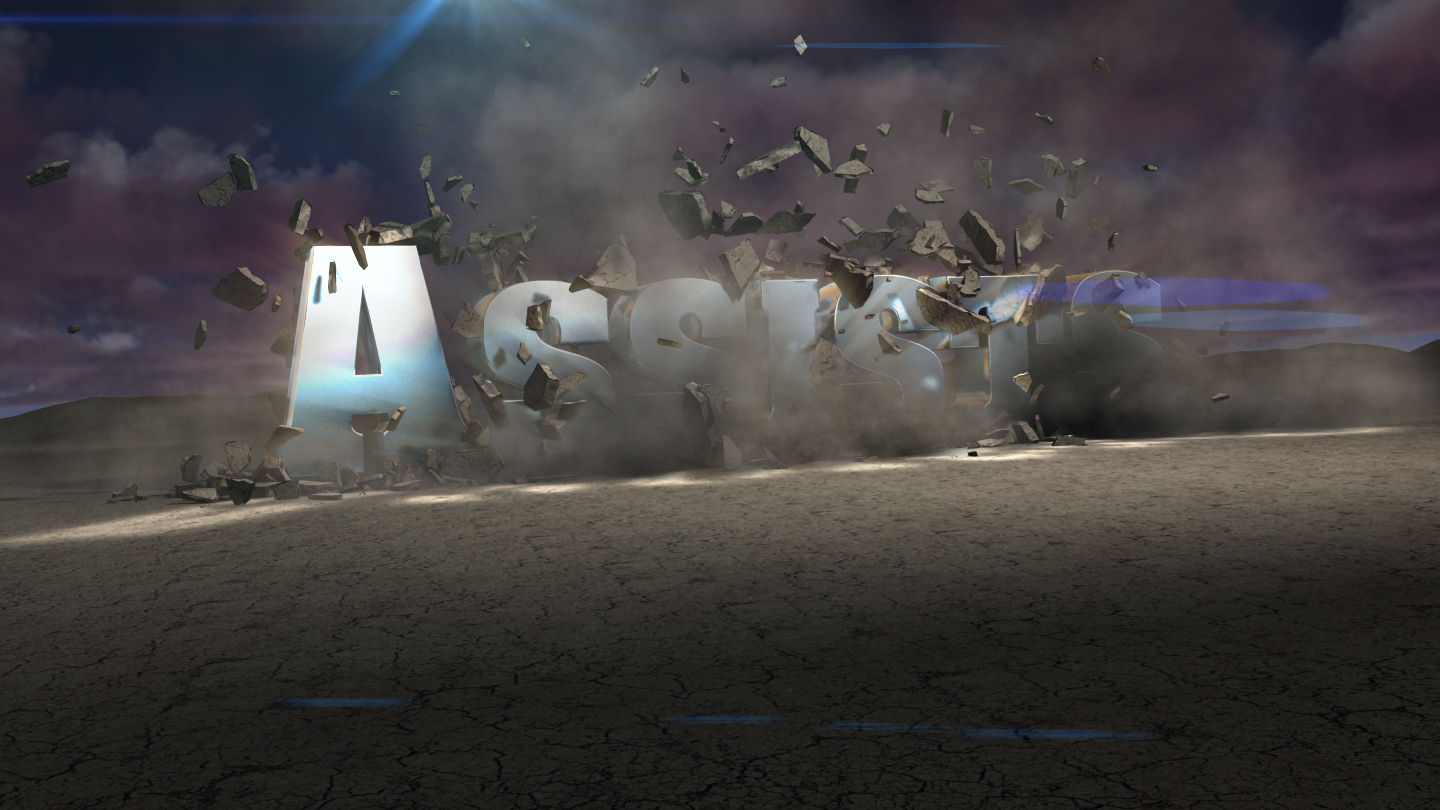
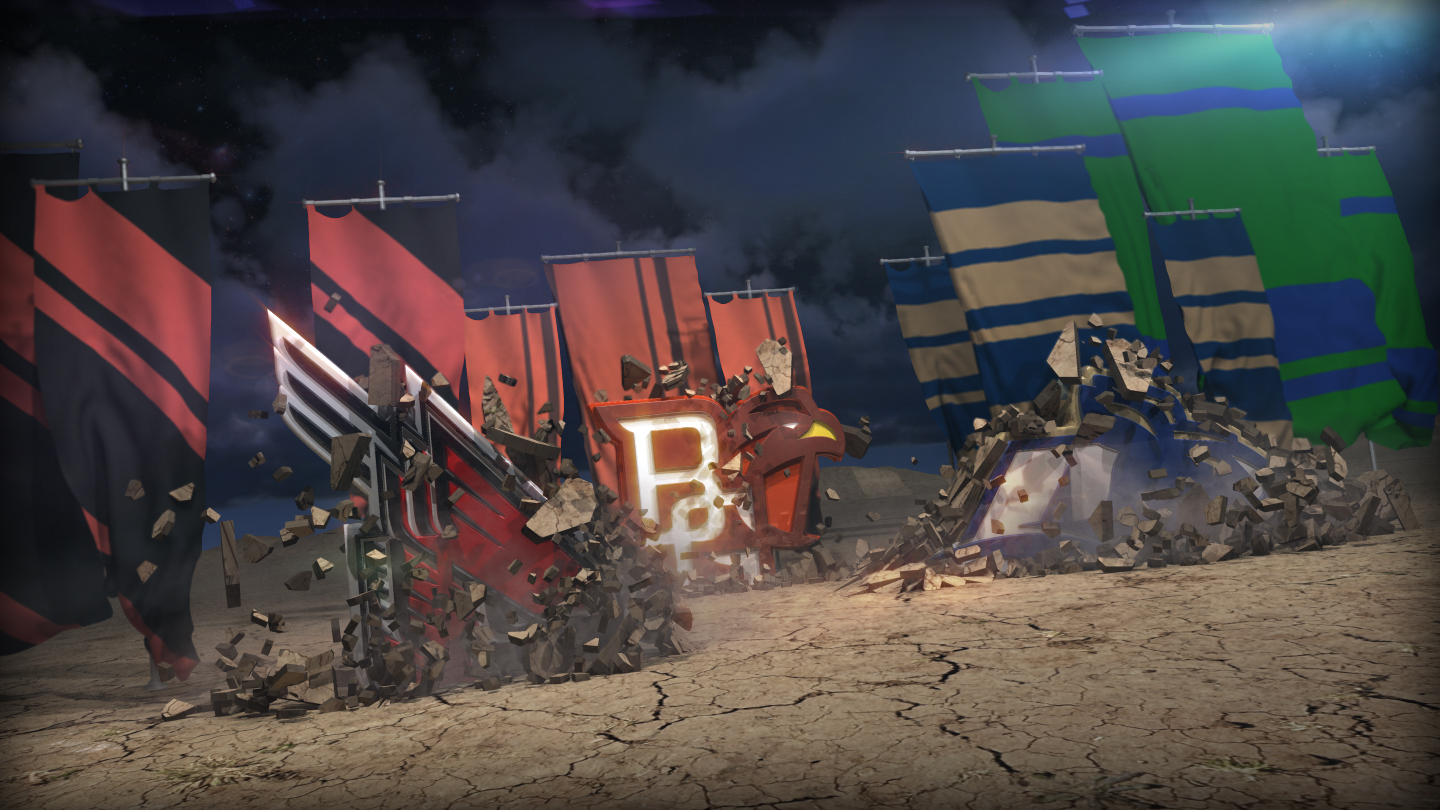
We were given the task of creating a generic open for the MAC conference (college football and basketball) to air on our local sports network (sportstime ohio).  We knew we wanted to show all the college logos in some type of 3D environment.  With only about 2-3 weeks to go from concept to final product with a staff of 3 people.  I wanted to make some banners and maybe a generic stadium with some logos crashing around.  Looking at lots of different references i liked the “warhammer” look for school battling it out.  From there i started quick sketches.   Due to time constraints any architectural elements were taken out of the equation.  Once i had a general idea i started building pieces in 3D there is no time to waste.

assists_intestital

Which tools have you used for making this shot?

pen, paper, Maya 2011, PDI plug-in, After Effects & Photoshop.

do you feel software usually help you to develop your ideas or mostly do >> you feel computers limits your creativity too often? 

Occasionally through the process of working i stumble across a “happy accident” and something cool is born, but most of the time i feel the computer is limiting and i’m wrestling to achieve the look i want.

which effects was Pulldownit used for?

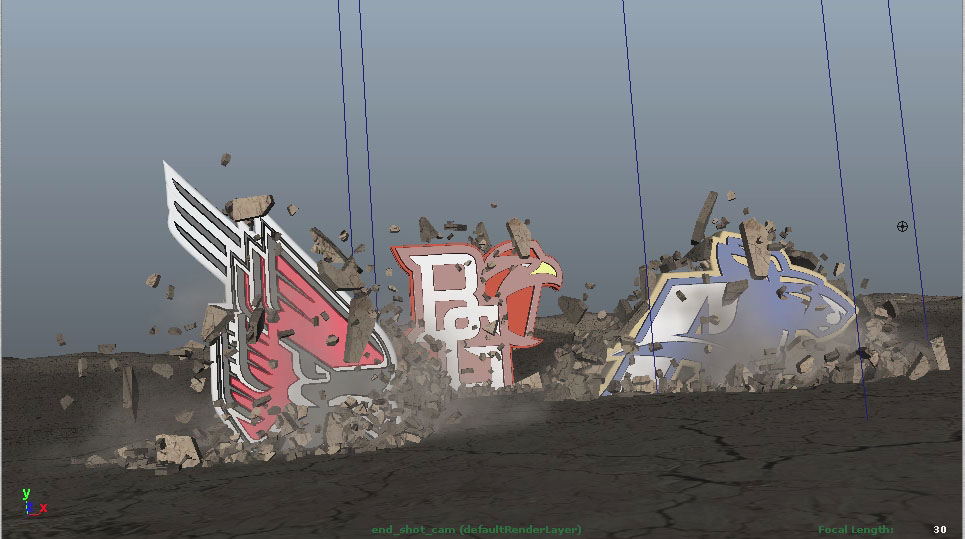
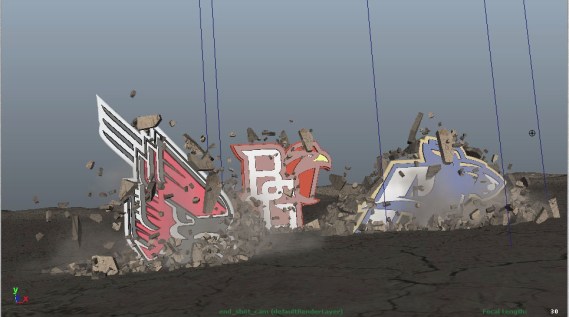
Mostly just the logos breaking through the ground planes.
macViewport

moc_s6_17

How did you drive the interaction between animated objects with simulated ones?

I set up one passive ground plane that everything sits on and 2 subdivided cubes for destructable ground to vary the soil layer thicknesses.  I proceeded to pre shatter the 2 ground cubes in areas i knew the logos would smash through using the “shatterit” feature of PDI once everything was pre shattered i used PDI fracture basic (which is super cool) to put everything into a group type thing ready to be destroyed.  I did build stand in objects “collision shapes” that matched the modeled logos so i could animate those to break the ground planes.  Then i just tweaked some solver setting and adjusted gravity and started baking simulations out at 80-120 fps depending on the shots.

how did you combine dust & debris?

Once i had all my geometry baked out i had stuff to emit particle instanced debris from and used Maya fluids to create thick dust.

stealsViewport

Tell us your feelings about Pulldownit at this moment, even whishes about  future development.

I find it overall nice just if the shatter tool could shatter crooked lines on geometry not just straight ones would be great.

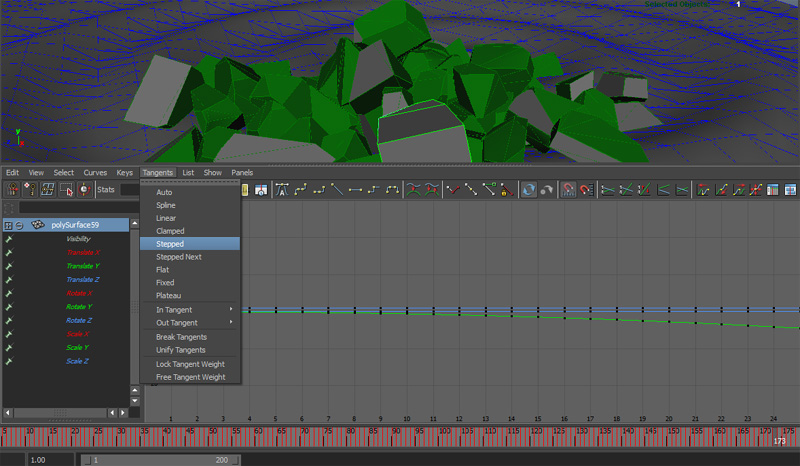
I was running into problems trying to motion blur the baked geometry.  because the key frames wouldn’t go past 360….the animation graph looked like a saw tooth.  so when i did add motion blur the debris looked like fish flopping around…

maybe add GPU acceleration?

Tell us a little about yourself, your background, future projects..

I interned at industrial design firms in high school looking to start a career as a product designer.   I went to college at the Cleveland institute of art because they have an excellent ID program.  Then of course once in school i started doing more creative stuff, drawing, animating, installations, and decided to go down the 3D generalist route because i knew i could apply 3D to lots of different areas.  architecture, product visualization, creative, etc.  After college i got a job at NBC and Sportstime Ohio in Cleveland doing broadcast graphics and mostly show opens and packages and news sponsors.   And thats where i am now.  Still learning and always trying to improve my skills.

macFinal2


PDI Tips & Tricks: Clusterize parameter

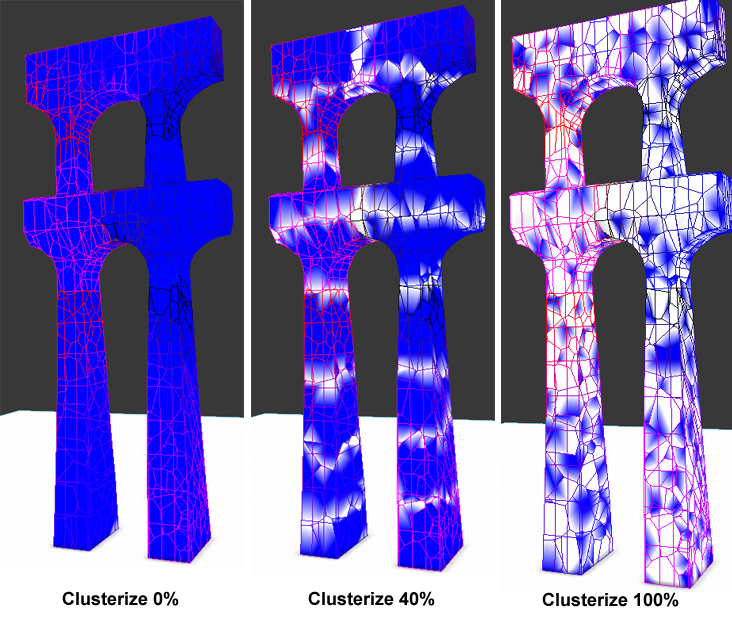
Clusterize parameter in PDi  is  indeed it a very usefull parameter to make the collapse of structures easier. it is a percent parameter that controls in some way the capacity to generate secundary cracks, these cracks will  make hard structures breaking apart in clusters of diferent size depending on the clusterize parameter value. I have added a sample image.

 
clusterize

History of Dubronick in 3D Stereo


Recircle have used Pulldownit free version in this appealing documentary about the ancient history of Dubrovnik, known as the ‘pearl of Adriatic’ in Croatia. Denis Valentic at charge of this production tell us about his experience with Pulldownit:
Dubrovnik_1


Regarding the History of Dubrovnik Project, the client had contacted us few
months prior to actual production start so we had a little time for
research and preparation. Production itself, from the start to the
completion lasted for exactly two moths. The final product was a 13 minutes
stereoscopic 2k short film about chosen major Dubrovnik’s historical
moments.
Earthquake sequence was targeted to last around 30-something seconds and I
had a week to produce it. First I started with setting the camera movement
and, when I was satisfied, I proceeded with breaking buildings (only ones)
visible to camera. For this I used Fracture Voronoi script – being free
and stable was a big plus.


Dubrovnik_wire_6

Stones_1


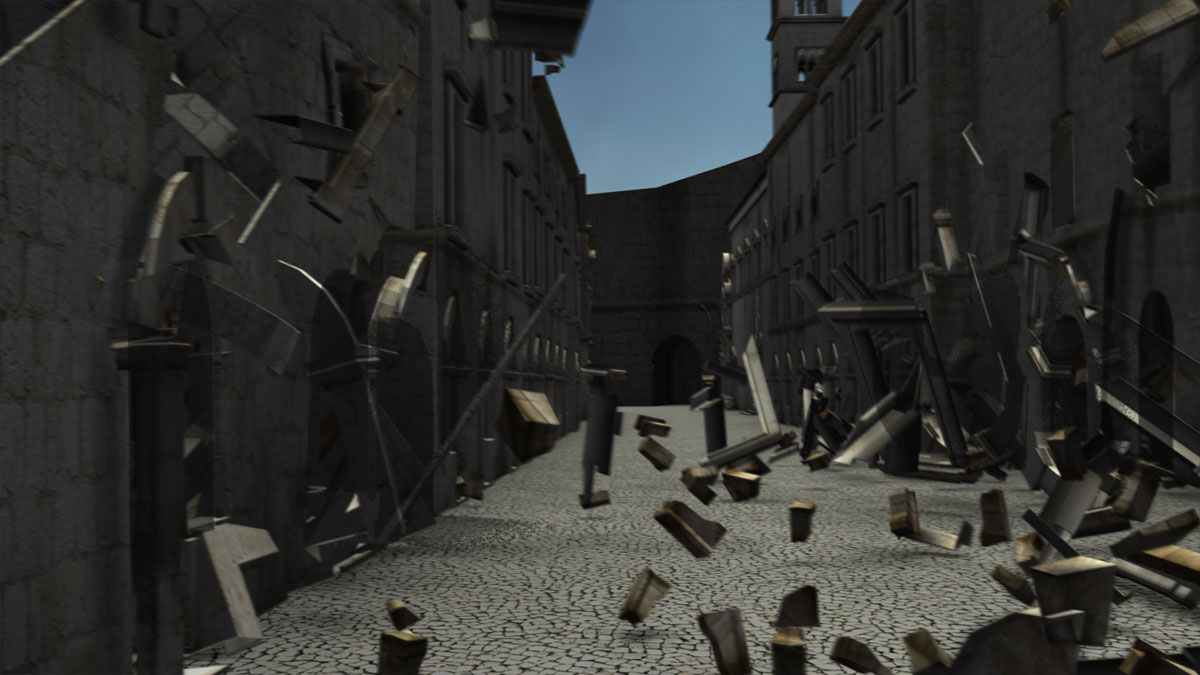
I ended up having twenty-one building and twenty-seven thousand pieces.
Next, I had to knock it down somehow. I started with max reactor and :: K
a b o o M :: script, but this wasn’t working for me. Then somebody
on cgsociety mentioned PullDownIt. After initial test I was won over.
Don’t know where to start; speed, stability, ease of use and so on and so
forth. I know it sounds like an advert but really it’s not. If you’re alone
in studio going crazy at 3 AM and nothing is working and then everything is
breaking apart from the first try, pure pleasure! So, from there on –
everything was easy; I opened a new scene with one house in it, broke it,
collapsed it with Pdi!, adjusted keyframes and repeated this for
twenty-something times. Finally everything ended up/fit in one scene. Nice
and easy

Dubrovnik_4

Author web site:

http://www.recircle.net/

Tips& Tricks: Speed up slow motion clips

Usually slow motion clips are more visually appealing, the problem is they take much longer to compute and bake, to say, if you want your clip to display 10 times slower, you should compute and bake 300 fps.

For dynamics scenes there is a trick which allows to “emulate” slow motion at the normal rate of 30 fps, this is using reduced gravity, medium or a quarter of normal gravity, making this you get the objects and fragments fall slower and the result is close to real slow motion.