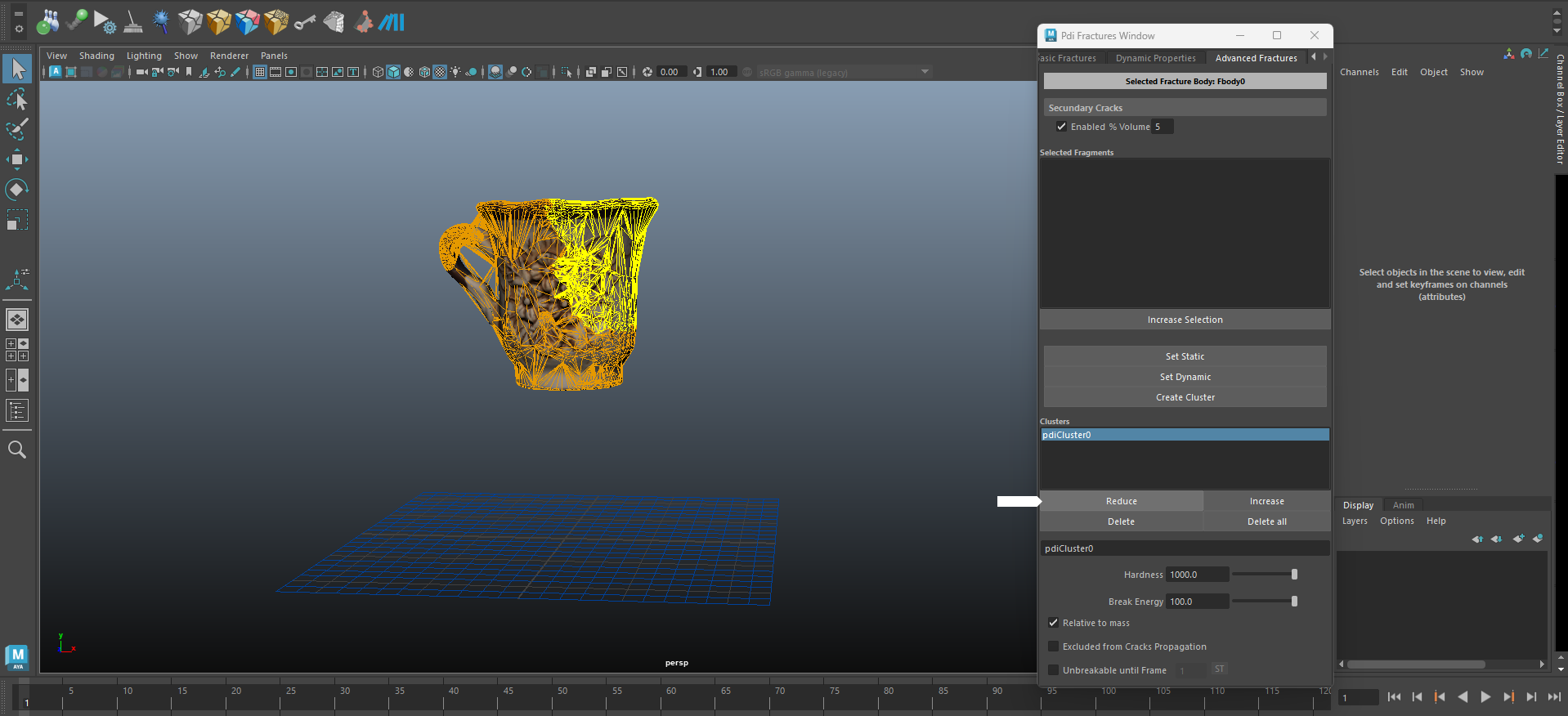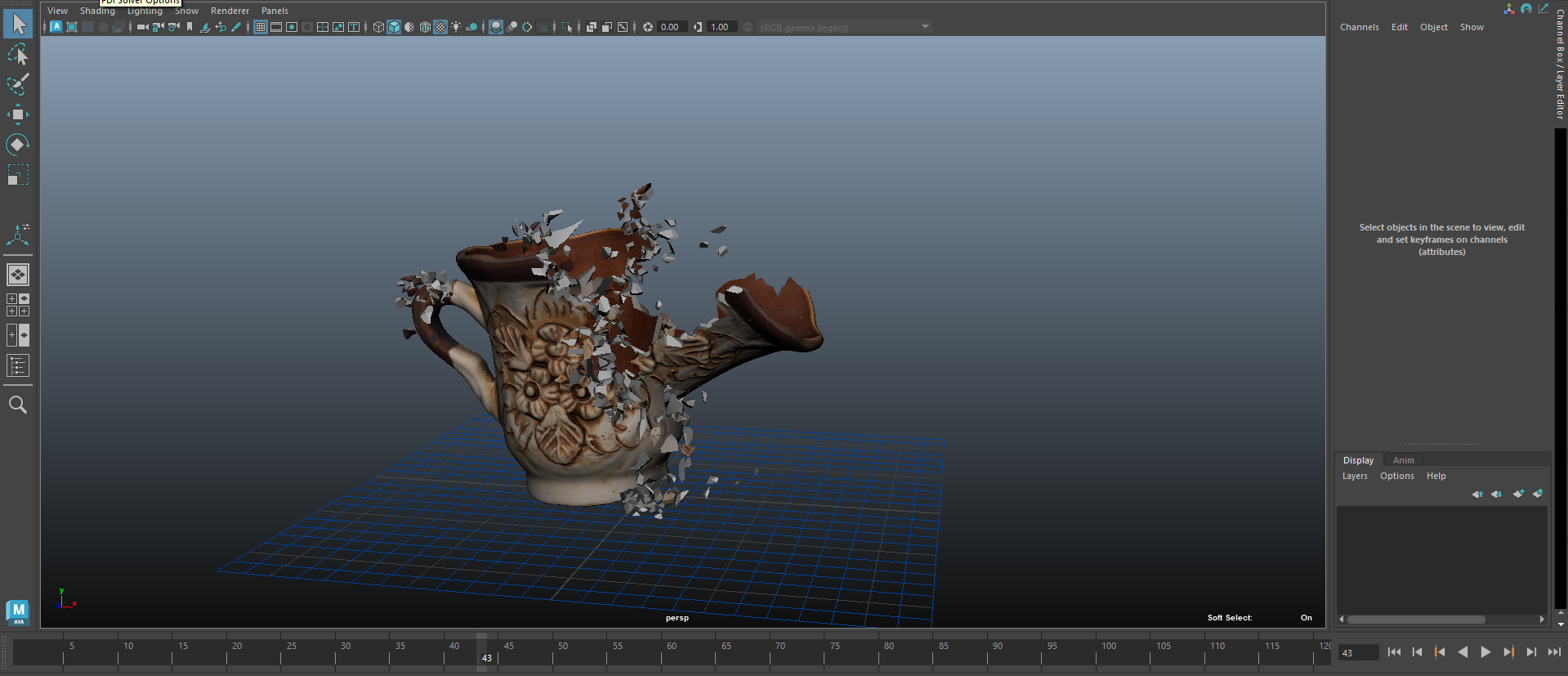
Combining Edge Fracture feature and the new ability to resize clusters in Pulldownit 6, allows to increase/reduce the amount of exploding debris very easily,
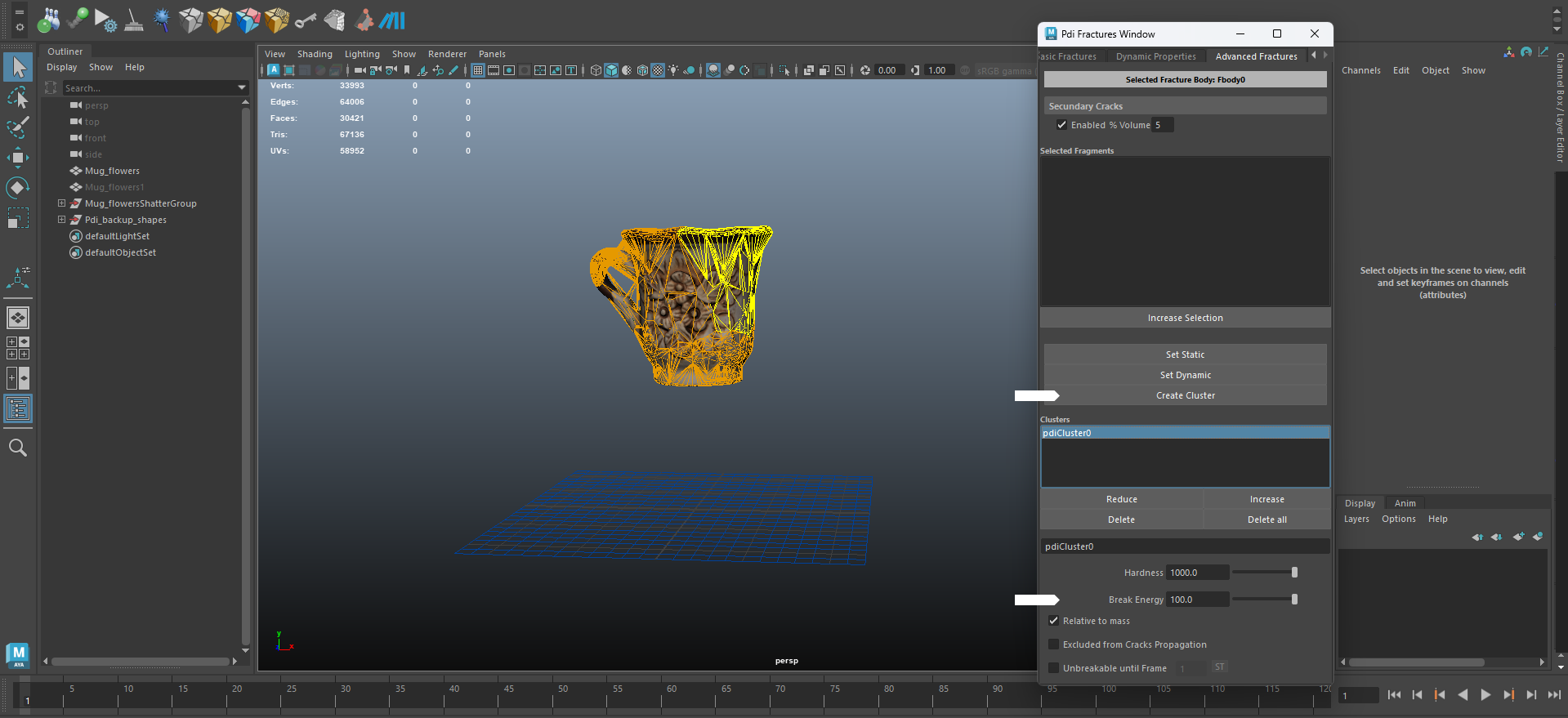
Start by creating a fractrure cluster in the area of the model you want to explode, for this open PDI Advanced Fractures, select the fragments and click on Create Cluster, also set some break energy in the cluster params for enhancing the exploding strength.
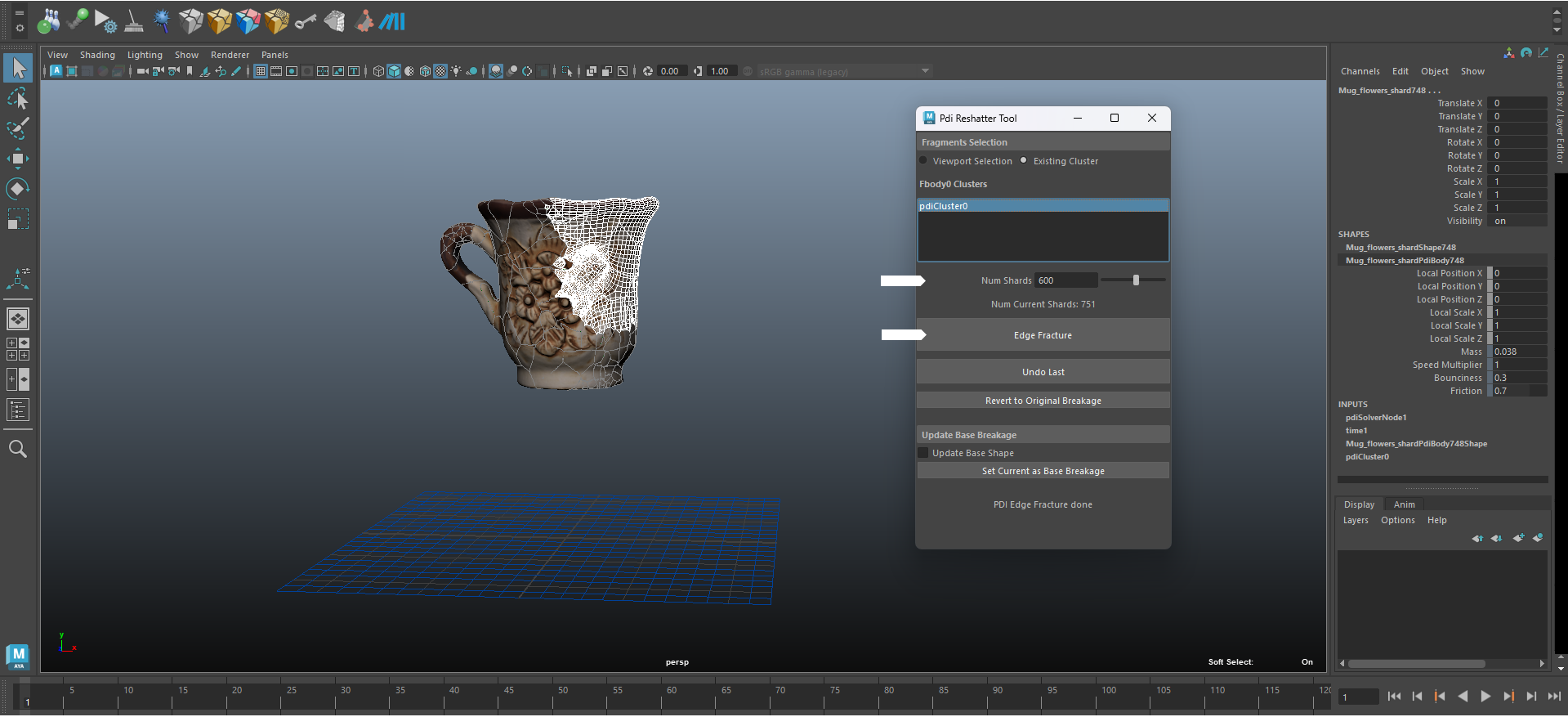
Once your cluster is set lets add more fragments on its inner borders, for this open PDI Re-shatter tool and choose “Existing Cluster” option, then select the cluster in the list, set a high number of shards, select “Edge Fracture” mode and re-shatter the model.
By Playing the simulation you should see more debris exploding when the cluster detach, you can adjust easily the number of exploding debris by reduce or increase slightly the cluster size in PDI Advanced Fractures.