Maya 2026 itself brings a number of updates in modeling, animation, simulation and shading.
In modeling there is a new volume mode for Booleans, it works by converting polygons to volumes before doing the Boolean operation then converting it back to polygons, that’s ensure perfect results but you miss the original shape of the object in the process, according to Autodesk this mode is intended to quicky block out organic-like models.
A number of improvements have been made to the ML Deformer, you can now use Apply Mesh Compare to visualize the difference between two meshes using a heat map and other fixes to the tool.
Maya Bifrost now includes the ability to simulate liquids directly in the graph, basically integrating the legacy Bifrost Fluids plug-in into the new node based VFX workflow.
In order to converge with Adobe tools in the shading pipeline, OpenPBR is now the default surface shader in Maya, learn more about OpenPBR by visiting the Academy Software Foundation.
Golaem, a crowd simulation plug-in for Maya can be licensed as part of Autodesk’s Media and Entertainment Collection, important to note Golaem plug-in is not included in the Maya distribution despite it appears mentioned in the release notes for Maya 2026.
USD plugin update to version 0.31 with support for light linking.
LookdevX 1.7.0 for Maya introduces improved publishing workflows, relative paths support, and a new generative textures API.
Finally Arnold render updates to version 5.5.0 with several minor enhancements.
Just Maya Stuff shows many of Maya 2026 new features in this nice video:
In this polished tutorial Esteban Cuesta show us how to destroy the scenery using Pulldownit plugin in 3ds Max, he explains how to shatter and dynamically destroy all objects colliding with an animated model along its ride through a narrow tunnel, add roughness to fragments and bake the simulation, worth to check out!
The Death Tyrant Model showed in the tutorial has been created by Andres de Mingo, you can find an awesame 3D printed version here:
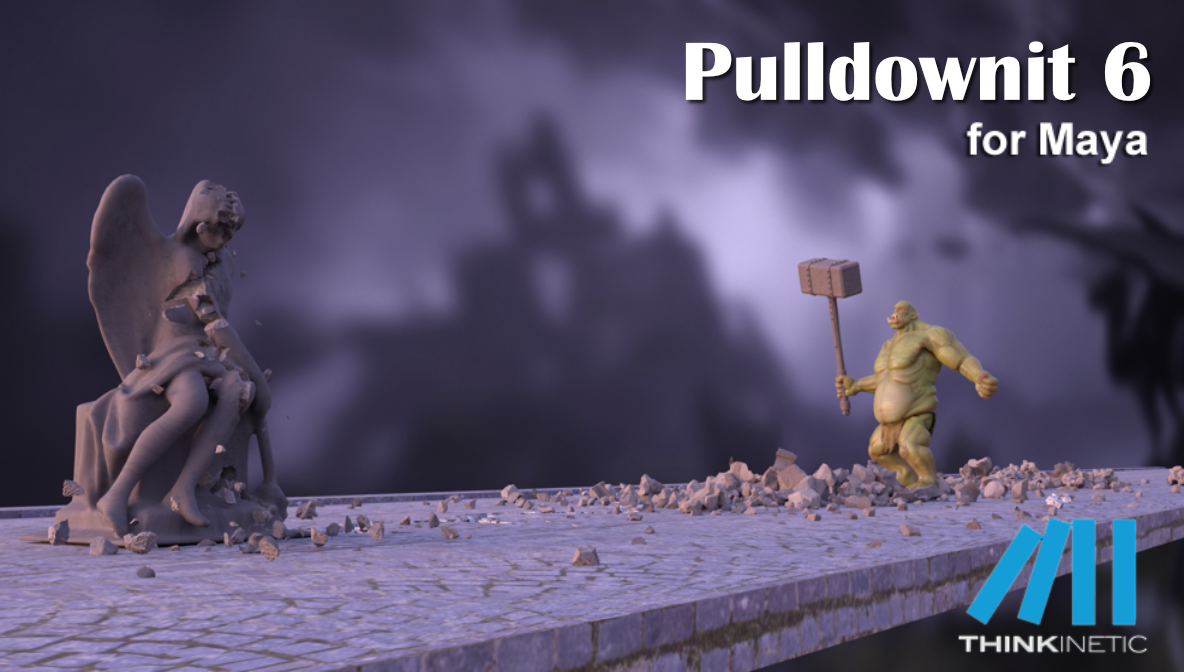
Pulldownit 6 for Maya brings new destruction features and important updates in performance and usability. This new version of the plugin is focused on fast tweaking and repeatability, and easy fractures refinement to get polished destruction effects of your model quickly.
For this we introduce a new Edge Fracture Tool to easily chipping on inner borders of selected fragments, the tool works in an interactive way, allowing to reshatter selected fragments and play the simulation right away, and it is non-destructive so you can undo last operation or recover the original breakage at any moment to start again. In addition, you can watch the amount of fragments generated to prevent running over your polygon budget, specially convenient for real time effects.
In the same line replace cut material can now be done at any stage of the destruction scene, even after baking simulation keys and it now supports jaggy fragments, in addition a different base color is set for the new material created, so you can check the fragments affected immediately.
Dynamic long cracks have been improved producing more realistic results for stone-like materials and thousands of instanced shapes in dynamics computes up to 30% faster.
Fracture clusters counts with new parameters to fine control when and how an object breaks.
There are also several useful UI improvements you can review below and you can check the whole list of fixes in the Pulldownit version logs page:
Licensed users can already access Pulldownit 6.0 from his account and there is a demo version for Maya 2025 in the Thinkinetic web site.
Shatter New Features
New Edge Fracture Tool, this new tool allows to visually chipping on inner borders of selected fragments, it works in an interactive way and is non-destructive so you can reshatter fragments and play the simulation right away, undo last operation or recover the original breakage at any moment.
Improved path based shatter quality, path based shatter now generates rounded shards across the path, producing more realistic results in dynamics for stone-like materials.
Auto replace cut material supports jaggy fragments, replace cut material can now be done at any stage of the destruction scene, it affects the selected shatter group only, jaggy fragments and baked fracture objects are supported, in addition it sets a different base color for the new material making the checking of fragments affected much easier.
Dynamics New Features
Instanced rigid bodies faster performance, Instanced shapes in dynamics computes up to 30% faster speed, that means thousands of shapes simulated in a few minutes.
Fracture Body “Relative to Mass” now adjust to “hardness”, getting easily more debris in impact areas just by making the model more brittle.
Improved Clusterize pattern, clusterize parameter now generates nonaligned clusters getting rid of the blocky look when fracturing an object with auto clusters, besides falling Fracture Bodies are now forced to break in the area of collision with static surfaces without the need of further adjustment.
New cluster option “Excluded from Cracks Propagation”, this new parameter forces the cluster to break upon direct collision only, preventing it to be detached in advance because of cracks propagation or force fields affecting the whole fracture body.
New cluster option “Relative to Mass”, enabling this option clusters involving small and large fragments prefers to break in the chipping areas first, this option is now the default for clusters creation.
UI Enhancements
New option to set “current frame” for any fracture event, just by dragging the Maya time-slider you can set the current frame for any fracture event by clicking in the event “ST” side button.
New option to set “current frame” for any rigid body event, just by dragging the Maya time-slider you can set the current frame for any rigid body event by clicking in the event “ST” side button.
New option to set “current frame” for any cracker event, just by dragging the Maya time-slider you can set the current frame for any cracker event by clicking in the event “ST” side button.
New option to change seed for rigid body initial velocity/spin, by clicking the new “NS” button next to random velocities’ parameters you will play the simulation with a different initial velocity/spin for all the rigid bodies selected.
New option to add random velocity/spin to fracture bodies.
New option to change seed for fracture body initial velocity/spin, by clicking the new “NS” button next to random velocities’ parameters you will play the simulation with a different initial velocity/spin for all the fracture bodies selected.
3DModels Car render challenge 2024 winners announced!, congratulations to all of them. As sponsor of the competition Thinkinetic is proud to award with a Pulldownit Pro license to the winners.
take a look to best images and interviews with winners in the official announcement:
Pulldownit 6 is coming soon, among other useful improvements we are glad to announce a new Edge Fracture Tool which creates debris on borders of selected fragments, this new tool works in an interactive way and is non-destructive so you can apply it at any stage of the destruction scene before baking animation keys. In addition, you can easily watch the amount of fragments generated to prevent running over your polygon budget specially for real time VFX. Look at Edge Fracture feature in action in this demo video:
Pulldownit 6 will be released in the following weeks and licensed users will count with free upgrade from v5.x.
In this quick tip Esteban Cuesta shows us how to easily delay the start of a crack of modify its strength progressively using latest Pulldownit plugin in Maya. As you can see it is just matter of setting animation keys for the cracker multiplier parameter and you can undo it or modify the crack strength at your ease, simply by setting new animation keys.
Thinkinetic sponsors 11th annual 3DModels competition for the best car render, Pulldownit Pro license is one of the valuable prizes and there are plenty of them! those interested can check rules and prizes here:
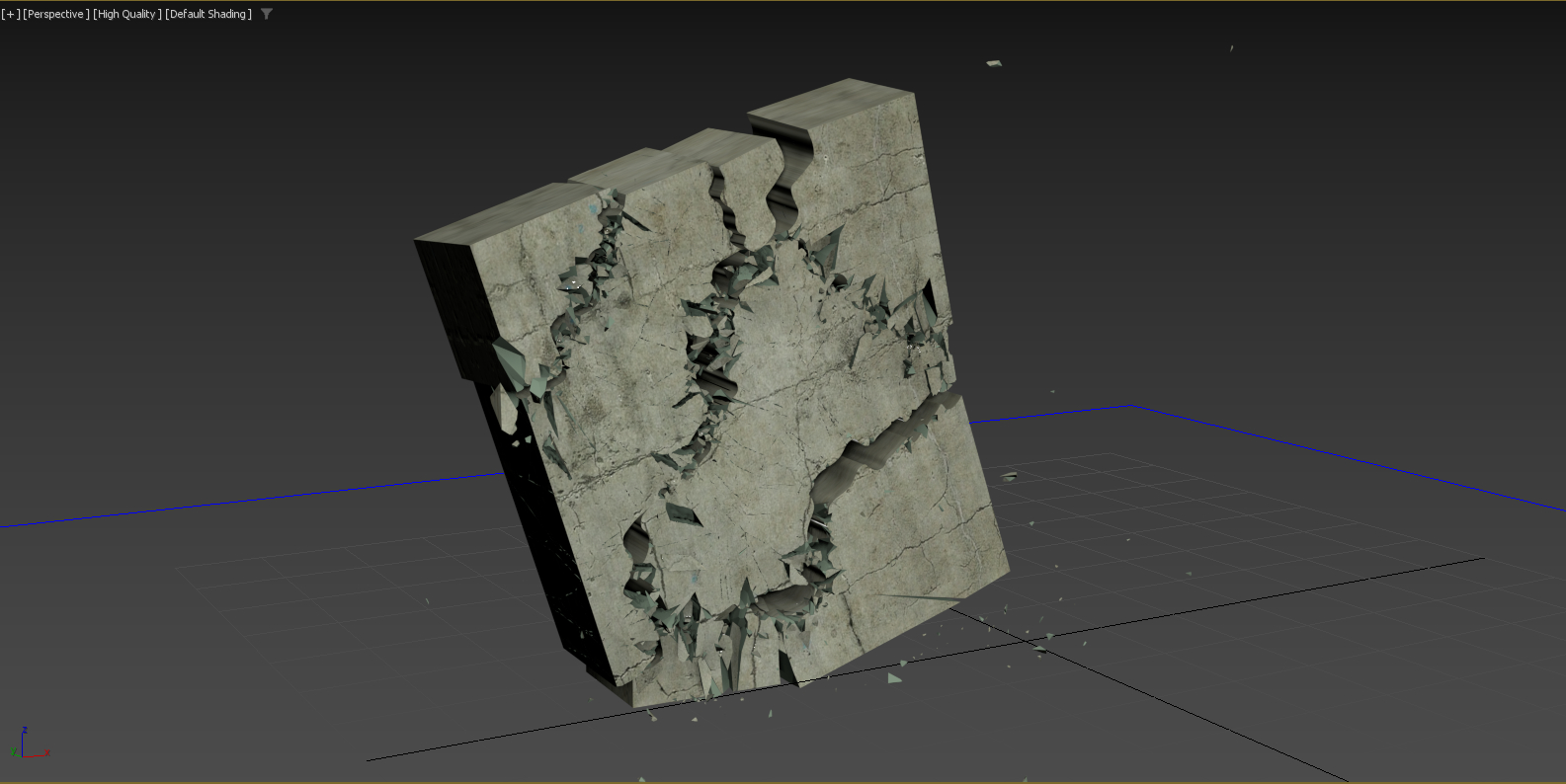
In this great tutorial Esteban Cuesta shows us how to use the freehand spline tool and boolean modifier in 3ds Max 2024 to make rough custom cuts over a model, then turn cracks look “organic” by using the Pulldownit plugin to generate secondary cracks and debris on top of it.
3DModels “Steampunk: New History” winners announced!, congratulations to all of them. As sponsor of the competition Thinkinetic is proud to award with a Pulldownit Pro license to the winners.
Take a look to best images and interviews with winners in the official announcement:
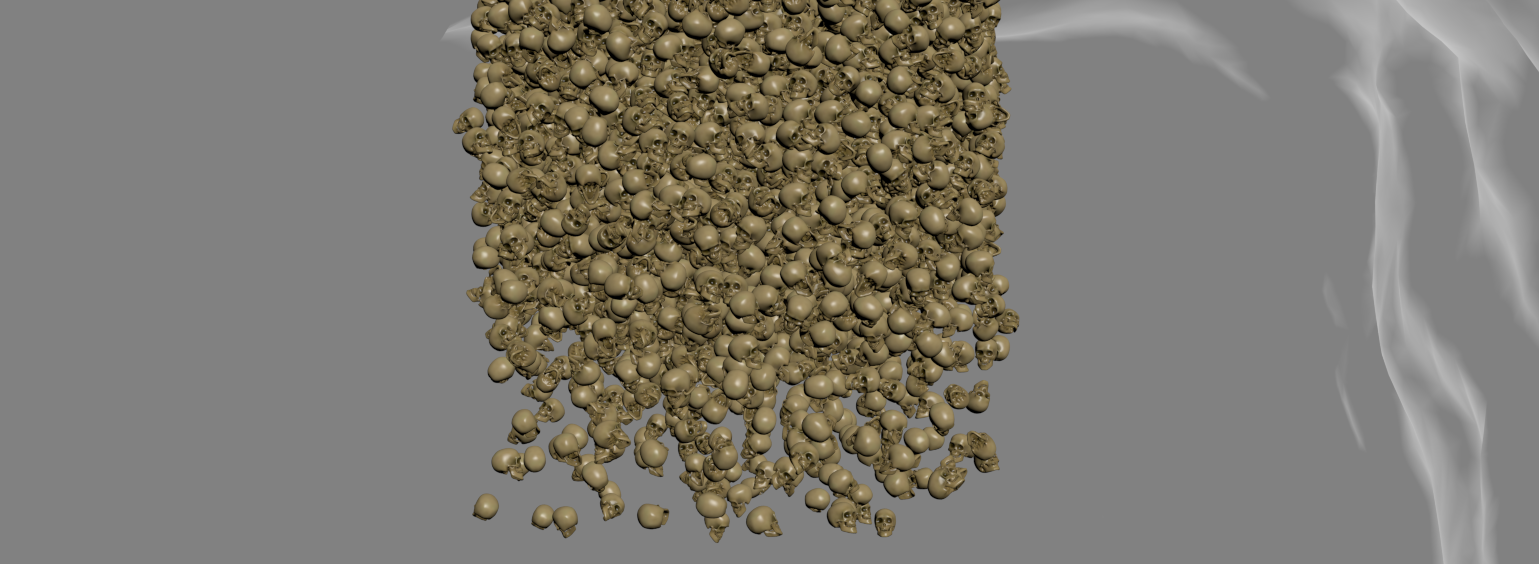
Andres de Mingo made this nice shot, an animated character breaking some skulls and then 5K skulls falling over it, done in 3d Max using Pulldownit plugin for all dynamics effects.
Breaking the skulls on the cave floor
All skulls are set as static convex bodies to be activated at first hit, the hammer is set also as a kinematic convex body to speed up computation, the floor of the cave isn’t flat so I had to set it as a static mesh body to can use its real shape in collisions, also I made a couple of large boxes on both sides as barriers to prevent skulks rolling out of the camera view, those barriers where hidden in render, some skulls breaks when being hit, they were shattered in around 120 fragments each one combining both uniform and local styles, and I set them as static “first hit” fracture bodies, after playing the simulation with PDI the skulls reacted to the hammer impact and got broken nicely at a very fast computation rate.
Making The skulls stack
Starting with a single skull I created 5000 instances using the make array tool in 3ds Max, then I set all of them as PDI dynamic convex bodies, however the stack was completely uniform, like a box of objects, to get a more natural look of the skulls falling I set random initial velocities for them using PDI and compute a few frames before the skulls where visible in camera, so when reaching the stage they were nicely disordered.
Destroying the Skeleton
I set the animated skeleton as a kinematic body and create 3 additional falling skulls hitting it in the head and shoulders at specific time according to character animation, but the most tricky part of the shot was destroying the skeleton, for this I created a frozen copy it, I set it as a PDI convex body and hide the duplicated skeleton, then when the stack of skulls reached it I replaced the animated skeleton for the dynamic one and this made the trick, the skeleton parts were falling while being hit and covered by the skulls.
Conclusions
You can find the skulls, skeleton and other cool models by Andres de Mingo in









 KineticThoughts