In this polished tutorial Esteban Cuesta show us how to destroy the scenery using Pulldownit plugin in 3ds Max, he explains how to shatter and dynamically destroy all objects colliding with an animated model along its ride through a narrow tunnel, add roughness to fragments and bake the simulation, worth to check out!
The Death Tyrant Model showed in the tutorial has been created by Andres de Mingo, you can find an awesame 3D printed version here:
In this quick tip Esteban Cuesta shows us how to easily delay the start of a crack of modify its strength progressively using latest Pulldownit plugin in Maya. As you can see it is just matter of setting animation keys for the cracker multiplier parameter and you can undo it or modify the crack strength at your ease, simply by setting new animation keys.
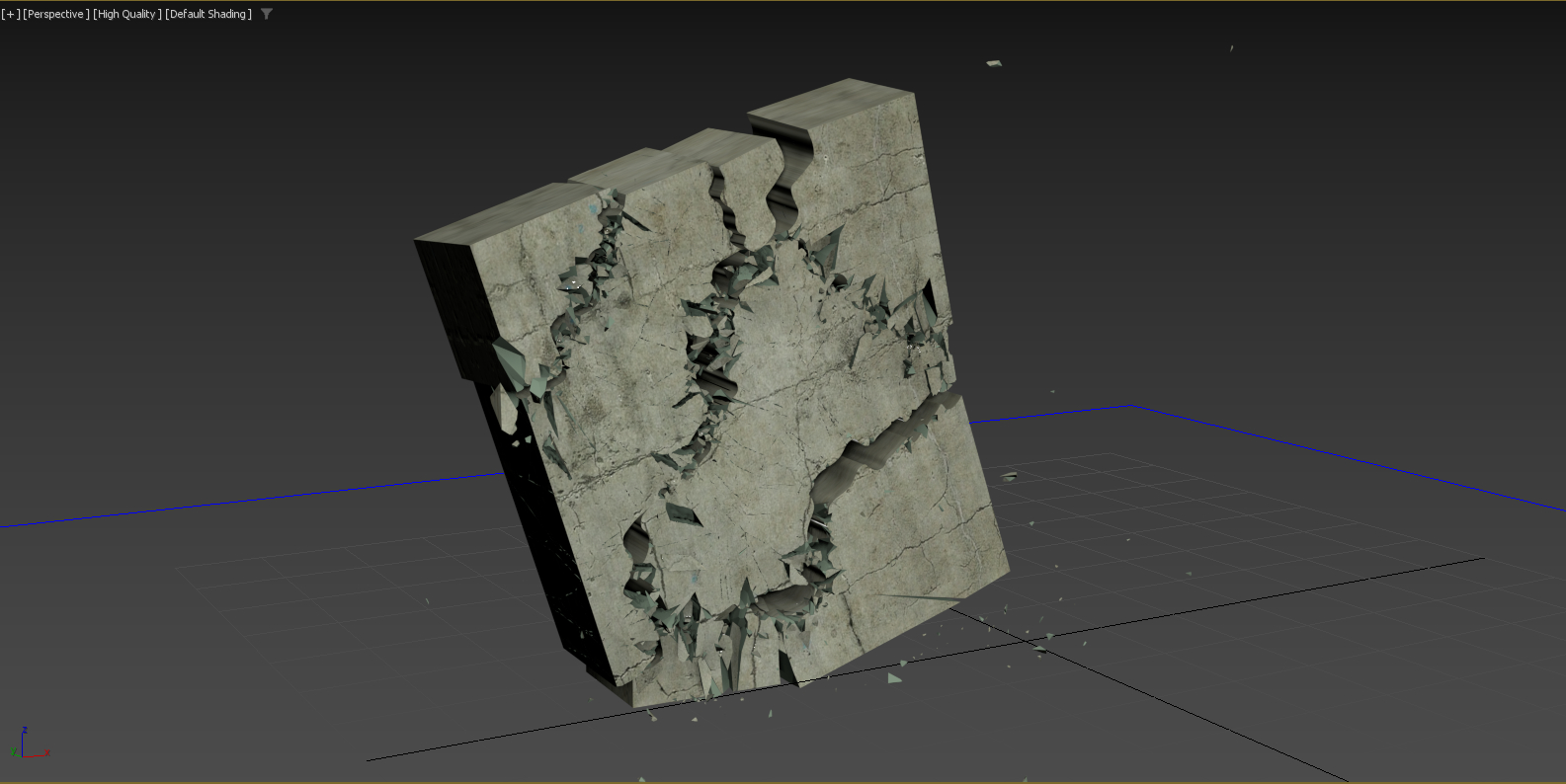
In this great tutorial Esteban Cuesta shows us how to use the freehand spline tool and boolean modifier in 3ds Max 2024 to make rough custom cuts over a model, then turn cracks look “organic” by using the Pulldownit plugin to generate secondary cracks and debris on top of it.
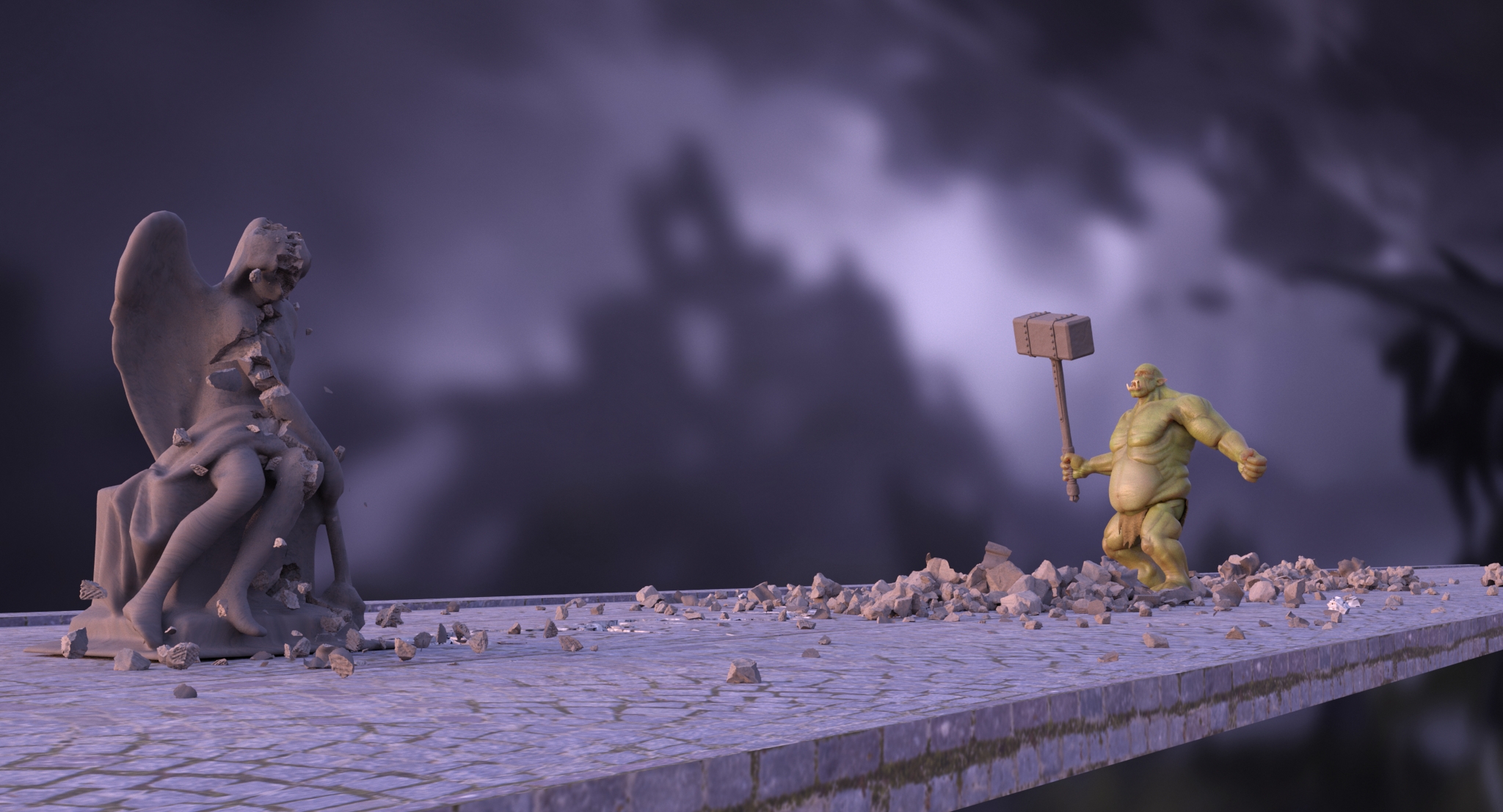
Andres de Mingo the author of this nice shot, kindly explains us how he did the destruction effects using Pulldownit plugin in 3d Max.
Cracking the last statue
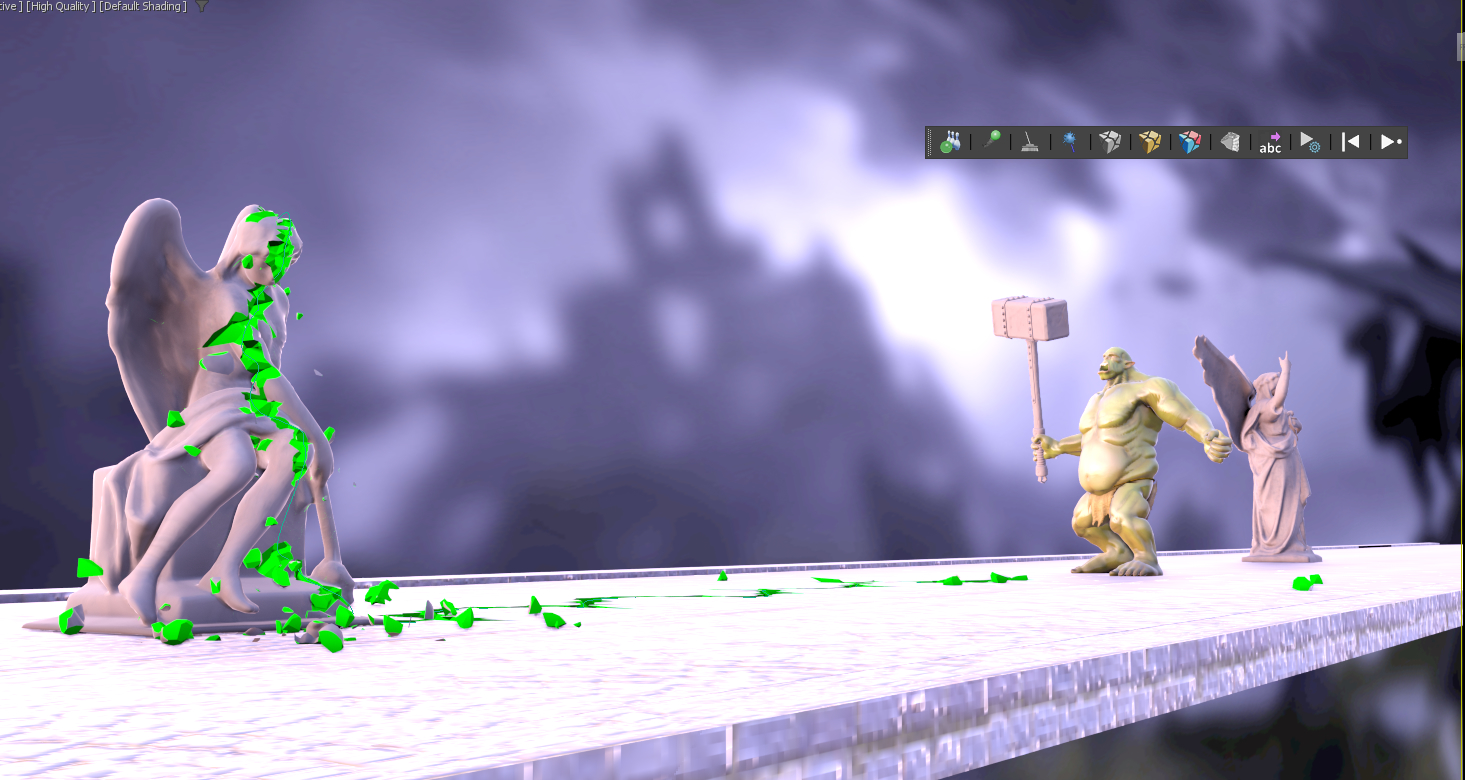
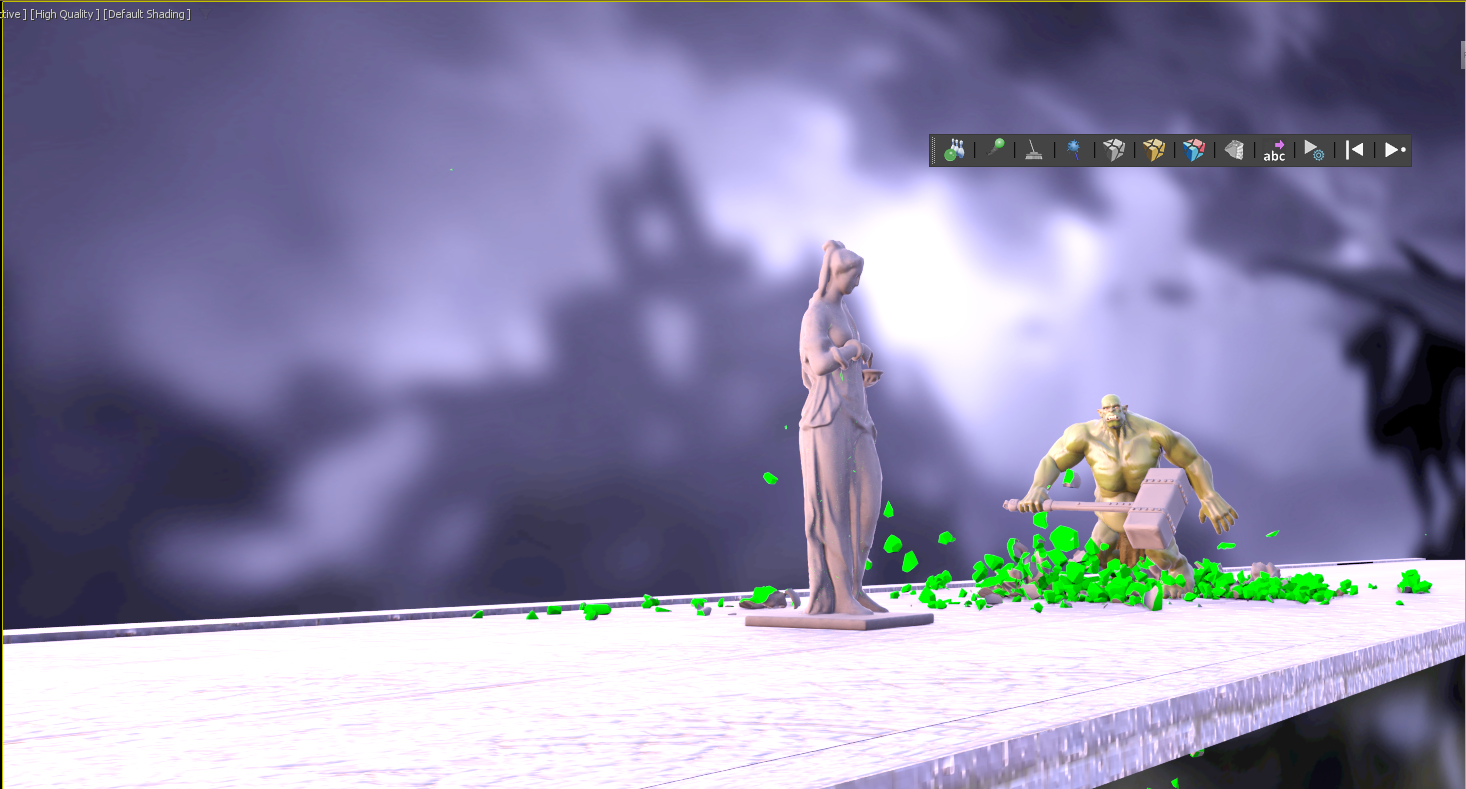
There are 3 statues to break consecutively, first and second are destroyed completely but last one is only cracked by the shock wave happening when the Orc hits the ground with the hammer, I started doing this effect in first place by advancing the start time of Pdi simulation to set it just before the hammer hits the ground. I use the nice crackers feature of Pulldownit to do it. Also to speed up computation the orc itself wasn’t set in dynamics as for this effect I needed only the hammer to be included , doing it in this way I got a fast playback rate for adjusting the destruction.
After the effect was done I baked simulation keys for the statue and cracked ground.
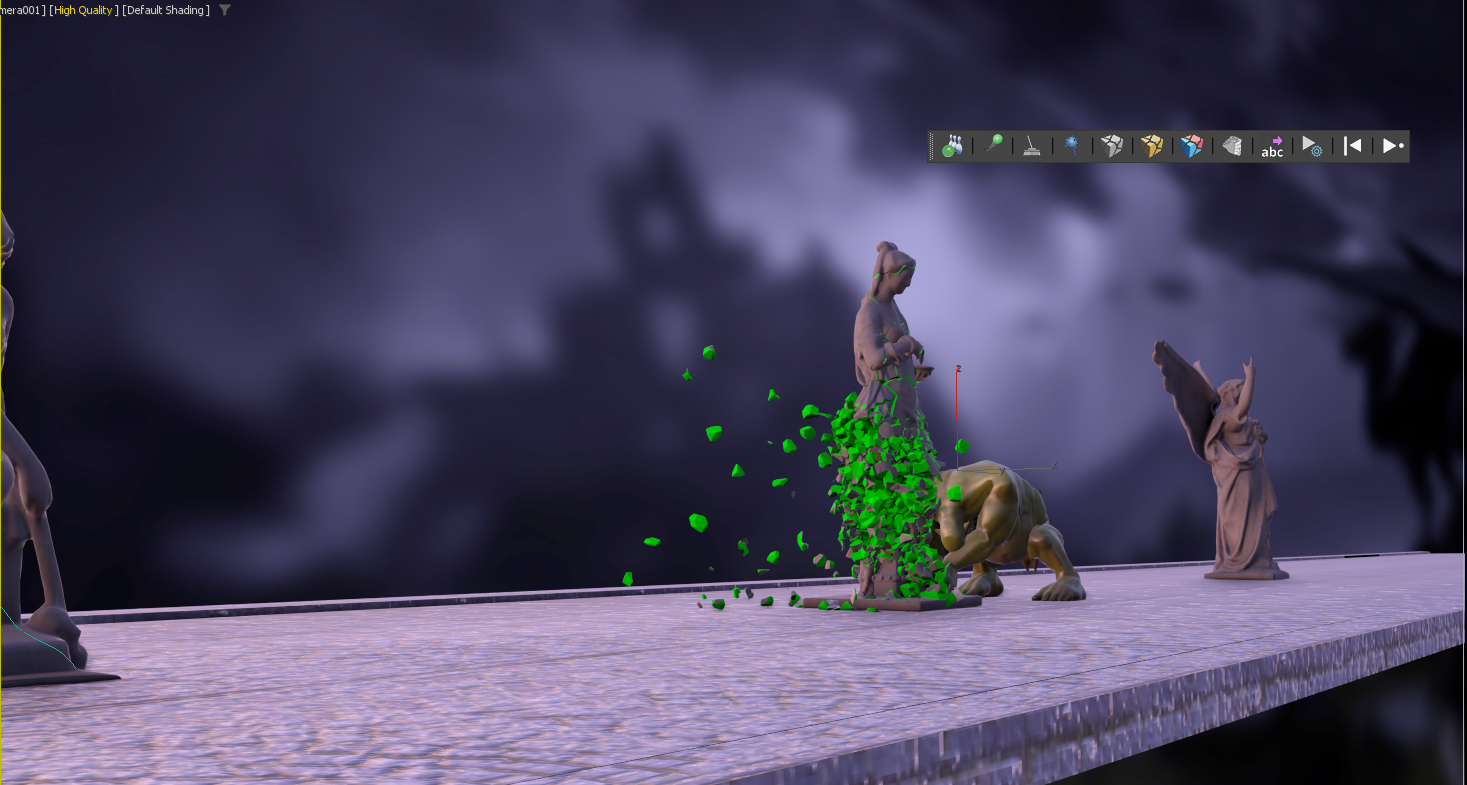
Destroying the second Statue
This was a more difficult effect as I wanted the statue to stay in place but being completely destroyed by the impact with the hammer, for this I shattered the statue in around 1000 shards, and reshattering it in 1000 shards again in the middle area by squeezing and displacing the shatter gizmo. After that I created a fracture body for it, setting its hardness value around 20 units to make it very brittle and PDi did the work nicely. This time I had to set the Orc also in simulation but computation time was fast anyway. As before I baked simulation keys for the statue before continuing with the shot.
Destroying the First Statue
I shattered the statue in around 2000 shards in the same way I did with the other one but setting its Fracture body as static “only breaks” because I didn’t want the fragments flaying away too much, this time the Orc was set as mesh ”animated” because it had to walk across the debris and kick them in his way to the next statue, but computation was still pretty fast, after I was happy with the destruction I baked animation keys for the statue.
Conclusions
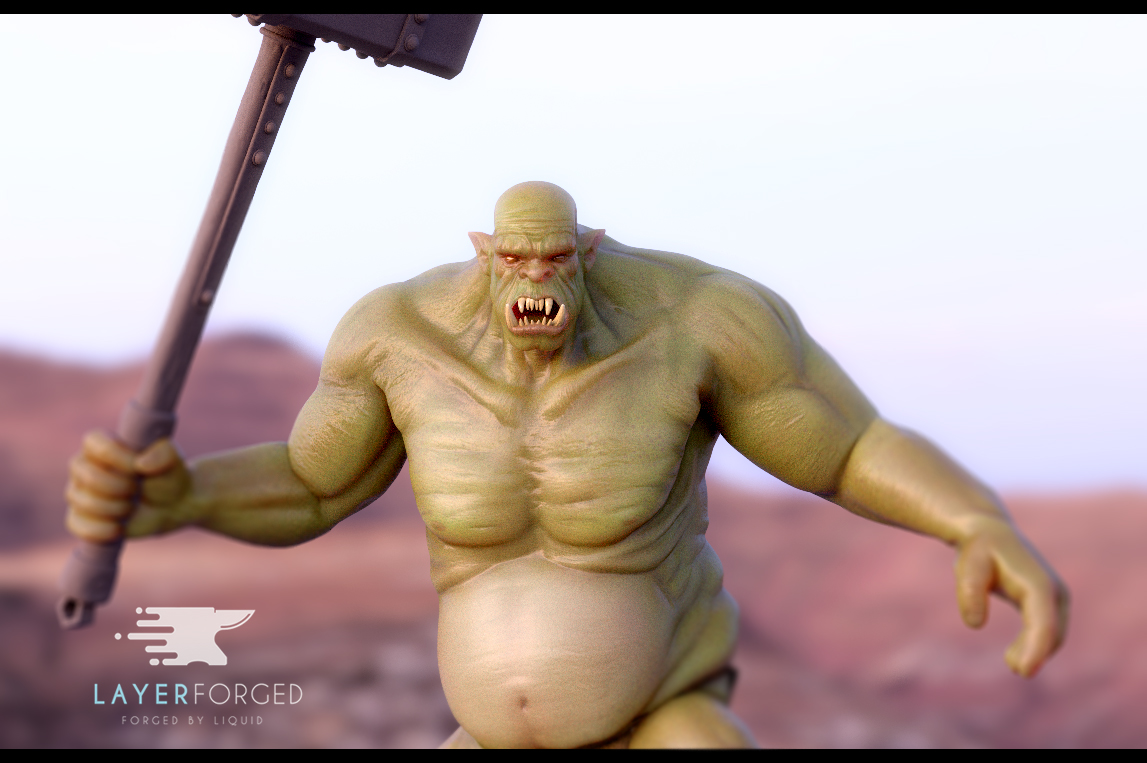
You can find the orc and other nice models by Andres de Mingo in
Some users has asked if it is possible to decide the leaning direction of a model before breaking it completely with Pulldownit; the answer is yes, you can do it and very easily.
For choosing the leaning direction you have simply to select the fracture object in PDI Basic Fractures tab, then go to Fractures->Dynamic Properties tab and set initial velocity according to your desired leaning direction, that’s all.
If your initial velocity parameter is greyed out you have to set Basic Fractures->Activation to “at frame” or “At first hit” to enable it. Here a demo video of the effect:
Notice the bigger initial velocity, the leaning will be faster, so better to set it to small values to get a natural motion of the model.
In this great tutorial Esteban Cuesta show us how to crack and destroy an oneiric temple using Pulldownit 5 in 3ds Max , he explains step by step how to create long cracks over the surface before destroying the whole model to get a nice crumbling effect, worth to review it.
Bounded cracks is a new feature introduced in Pulldownit 5.0 allowing to create cracks over the surface of 3d models and controlling the strenght and extent of the crack easilly.
In this polished tutorial, Esteban Cuesta shows us how to create long cracks over an ancient statue and shatter it using Pulldownit plugin in Maya,
Bounded cracks is a new feature introduced in Pulldownit 5.0 allowing to create cracks over the surface of 3d models and controlling the strenght and extent of the crack easilly.
Some of Pulldownit users has asked us how we did the stunning cathedral destruction in latest PDI reel, so we have decided to make a video tutorial explaining it step by step, and as you can see in the video below , it isnt dificult indeed,
Thank you to Esteban Cuesta for this great tutorial and final shot, please remember to “like” the video if you liked it:)
In this new tutorial Esteban Cuesta show us how to create appealing 3d text shatter effects in Maya using new features for destruction included in Pulldownit 5, in a few and easy to follow steps he shows how to crack letters in diferent ways or turn a 3d text dynamic to get a nice crumbling effect, worth to review it.
More news are coming in September, until then have a great holidays!
Ideaform3d has published a nice tutorial showcasing Pulldownit new bounded cracks feature. The tutorial shows step by step how to create a crack along a Moai statue all inside Maya 2022 using PDI plugin,
Project files can be downloaded by clicking in the link included in the text of the tutorial below,
Ideaform3d is a youtube channel featuring nice and easy to follow tutorials showcasing useful plugins and scripts for Maya, 3dsMax and After Effects, worth to check it!

 KineticThoughts